
QRemote
Time your slides, and drive your Quarto presentations from your iPhone and Apple Watch: next slide with a double tap, a buzz when time is up, your notes in your hand.
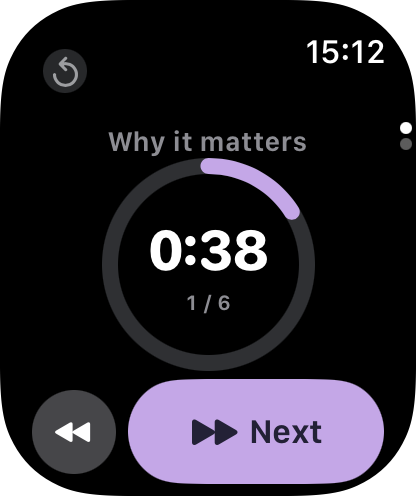
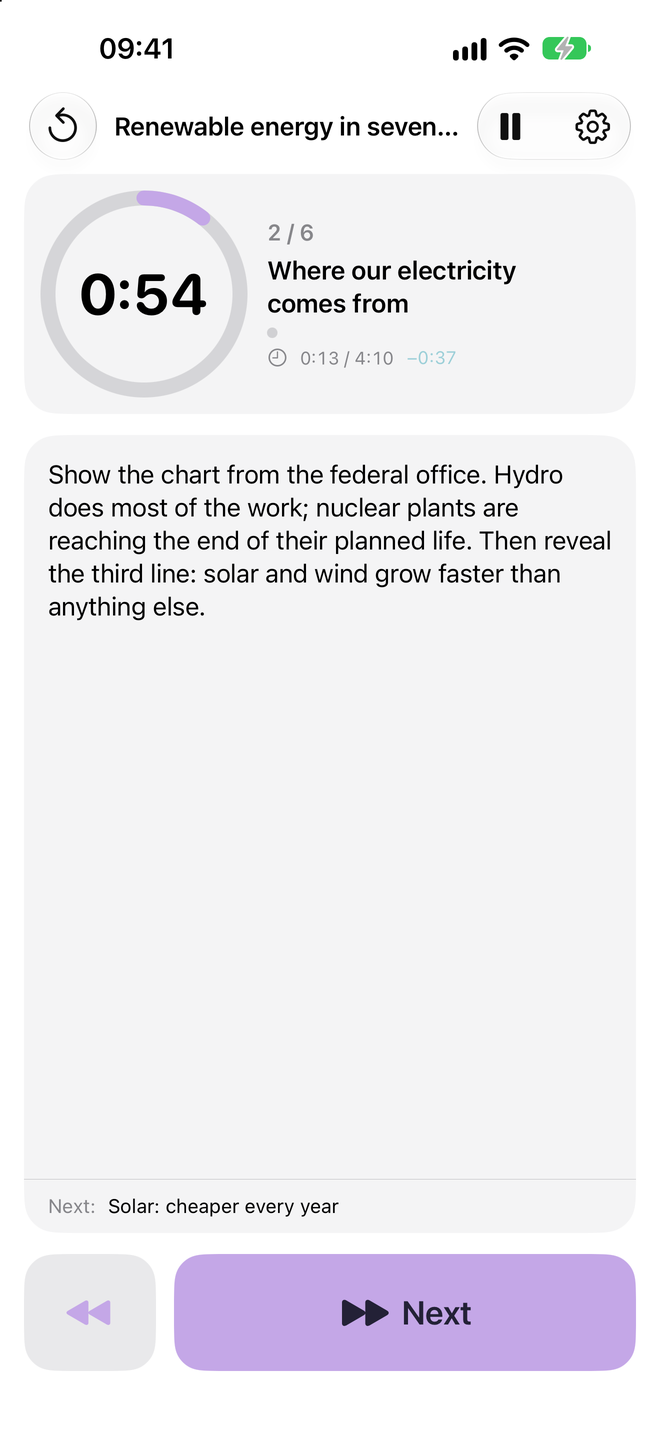
Three parts, one remote
Quarto extension
Give each slide a time (or not). A countdown in the speaker view, pause and reset keys. Free and open source.
iPhone & Apple Watch
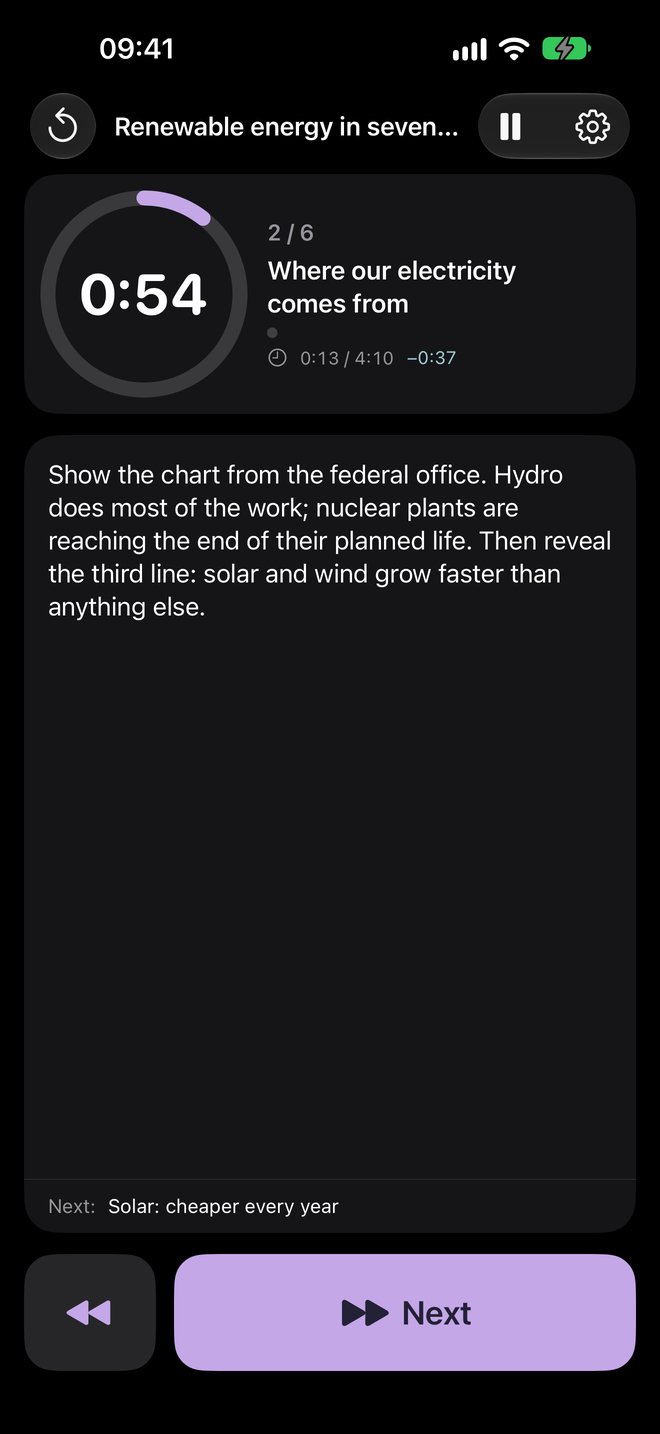
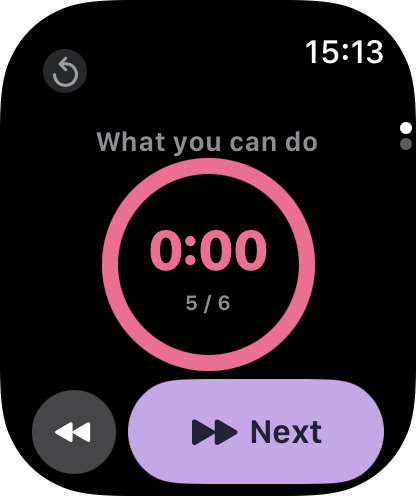
Next and back, your notes, the countdown, and whether you are ahead of schedule. The watch buzzes when time is up.
QRemote Relay for Mac
Lives in the menu bar and links the presentation open in your browser to your remotes. Nothing to configure.
How it works
- Add the extension to your presentation:
quarto add Nenuial/quarto-qremote, thenrevealjs-plugins: [qremote]in the YAML header. Give slides a time if you like:## My slide {timing="45"}. - Open QRemote Relay on the Mac that shows the presentation, then open the rendered presentation in your browser. It connects on its own.
- Open QRemote on your iPhone: it finds your Mac. Your Apple Watch uses the iPhone’s settings. Go!
Made for timed talks
Pitches, PechaKucha, lessons, conference talks: anywhere the clock matters. Each slide can have its own time; slides without one simply show how long you have spent on them. The speaker view shows where you should be by the end of each slide, and the iPhone shows whether you are ahead of or behind schedule.
No account, no cloud, no data collected: everything stays on your local network. Privacy.
The iPhone, Apple Watch and Mac apps are coming soon to the App Store. The Quarto extension works on its own today, as a speaker-view timer.